Quick timers
Set a countdown in seconds with a simple dial or keypad.

Utilities
Simple countdown timers for events, workouts and everyday tasks.
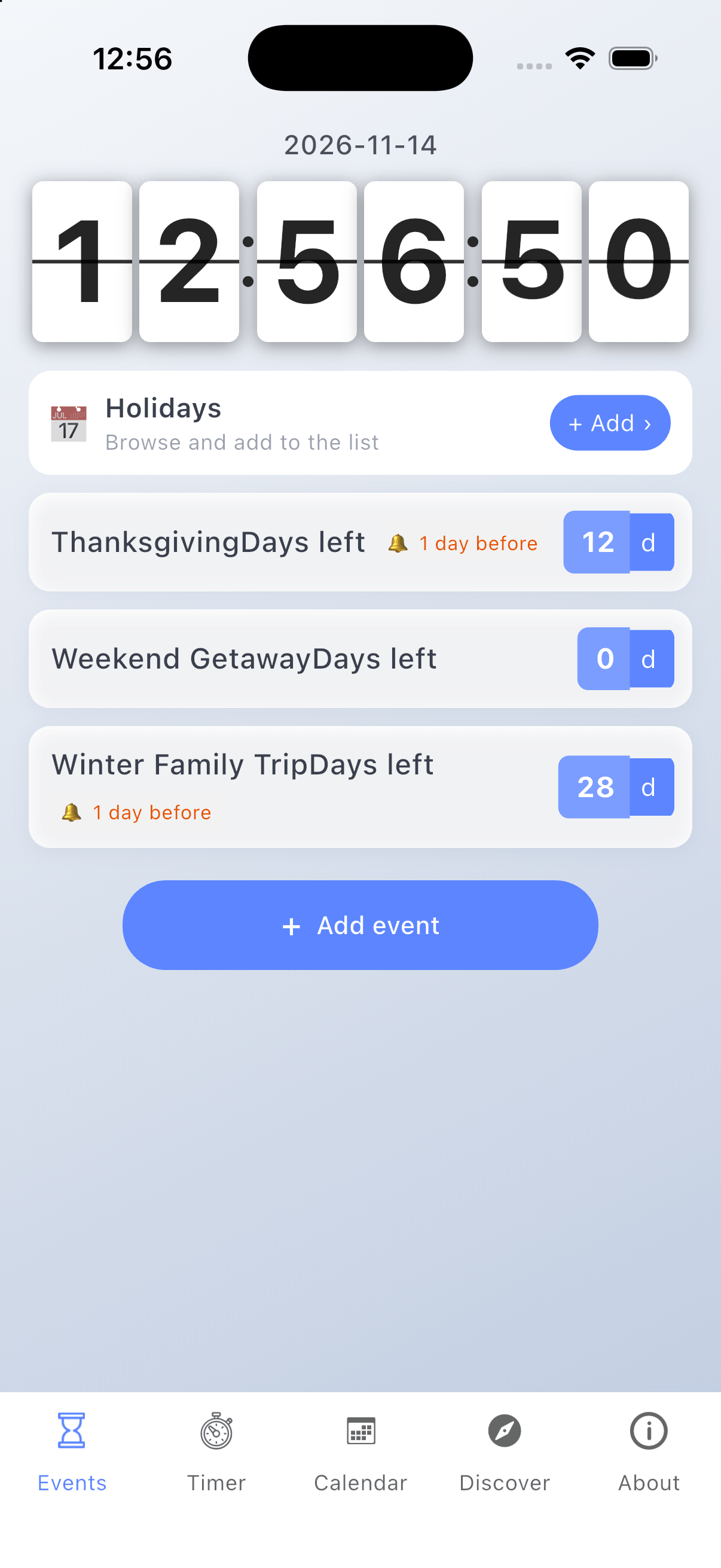
Countdown Moments brings your important dates, countdowns, plans, reminders, calendar events, and personal memories together in one place. Whether you're looking forward to a birthday, anniversary, exam, trip, or another meaningful occasion, keep track of every moment that matters.
Key Features:
1. Countdown & Important Dates Create events for birthdays, anniversaries, exams, trips, and more. See how many days remain until an event or how many days have passed. Customize event names, dates, and details. Keep track of holidays and special occasions throughout the year.
2. One Calendar for Every Day Bring countdown events, to-do tasks, and diary entries together in one calendar view. Browse your plans and personal records by date, quickly navigate between days, and open any item to view its details or make edits. Keep your important dates, daily plans, and life moments organized in one place.
3. Tasks & Reminders Create to-do lists and organize everyday tasks. Set reminders for important events. Keep upcoming plans and tasks organized.
4. Diary & Memories Record meaningful moments and everyday experiences. Add text and photos to preserve your memories. Connect personal notes with important dates.
5. Calendar & Date Calculator View and organize important dates in a calendar. Calculate the time between two dates. Quickly work out dates and day intervals. Track product expiration dates and important deadlines.
6. A Personal Experience Organize different types of events your way. Keep meaningful moments in one place. Bring your plans and memories together.
Make Every Moment Count Look forward to what's ahead and cherish the moments behind you. Countdown Moments helps you remember the dates that matter and keep the memories worth saving.
Set a countdown in seconds with a simple dial or keypad.
Keep the timers you use often ready to start.
Keep the remaining time visible from across the room.
A sound and notification when the countdown ends.
Run more than one countdown when you need to.
Use the dial or keypad to choose hours, minutes and seconds.
Tap start and keep the app open, or use full-screen mode.
Save commonly used durations so they are one tap away.
A sound and notification tell you when the countdown finishes.
Yes. You can keep several countdowns running at the same time.
Yes, with notifications enabled the app alerts you when a countdown ends.
Yes. Save frequently used timers as presets.
Yes. Countdown runs entirely on the device.